Tutorials

The Duck mascot at a table with students in the library

How to Use this Page

UO Libraries offers instructional videos and learning modules to help students develop their research skills. Students can explore and use these tutorials whenever they need support, and instructors are welcome to incorporate them into courses when introducing students to the Libraries, information literacy concepts, or the research process. 


What Do You Want to Learn?

How to Use the Library
These short tutorials focus on the practical details of using the library. They take about 5 to 10 minutes to complete. 
Library Research Fundamentals
These tutorials provide an overview of the research process. Each takes about  20 minutes. They can be completed individually or as a series. 
Specific Research and Academic Skills
These tutorials cover topics like reading scholarly articles, developing a search strategy, critical AI Literacy, maintaining academic integrity and more. They take 10 - 30 minutes to complete. 

How to Use the Library

These modules are short, how-to lessons that will help you with the practical details of using the library - things like borrowing materials, booking study spaces, and using Interlibrary Loan.  

people sitting on a bench under cherry blossoms in front of library
Welcome to UO Libraries
Get an overview of the resources, spaces, and support services available to students through UO Libraries. Video, 8 minutes.
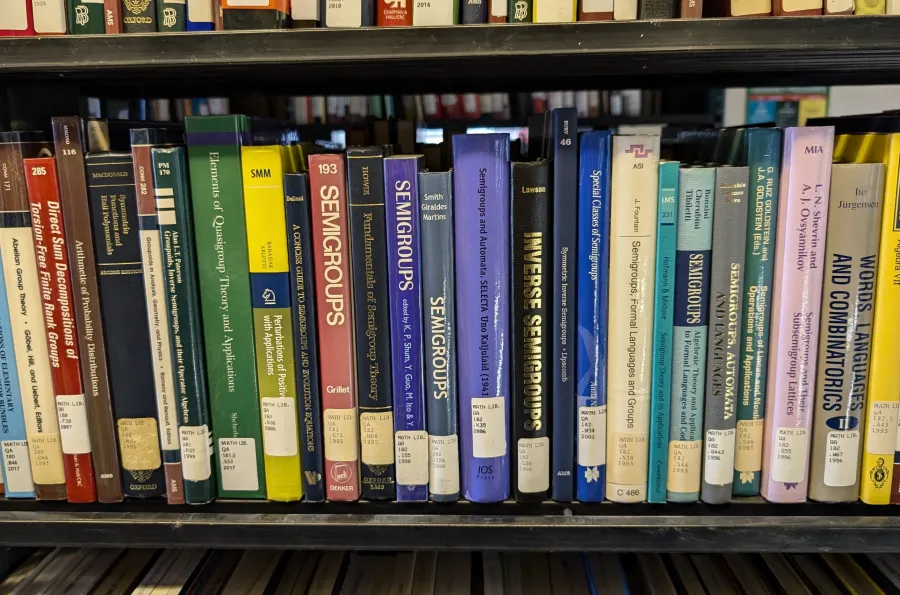
Math books on library shelf
Using the Library Catalog to Find Books and Electronic Books
Learn how to find books and ebooks in the through the library. Microlearning tutorial, approximately 5 minutes
Globe on a desk.
Requesting Materials from Other Libraries with Interlibrary Loan (ILL)
Find out how to get materials from other libraries. Microlearning tutorial, approximately 5 minutes. 

students studying in the library
Accessing Databases and Research Guides
Learn how to get started with your research using databases and research guides on the UO Libraries website. Microlearning tutorial, approximately 10 minutes.
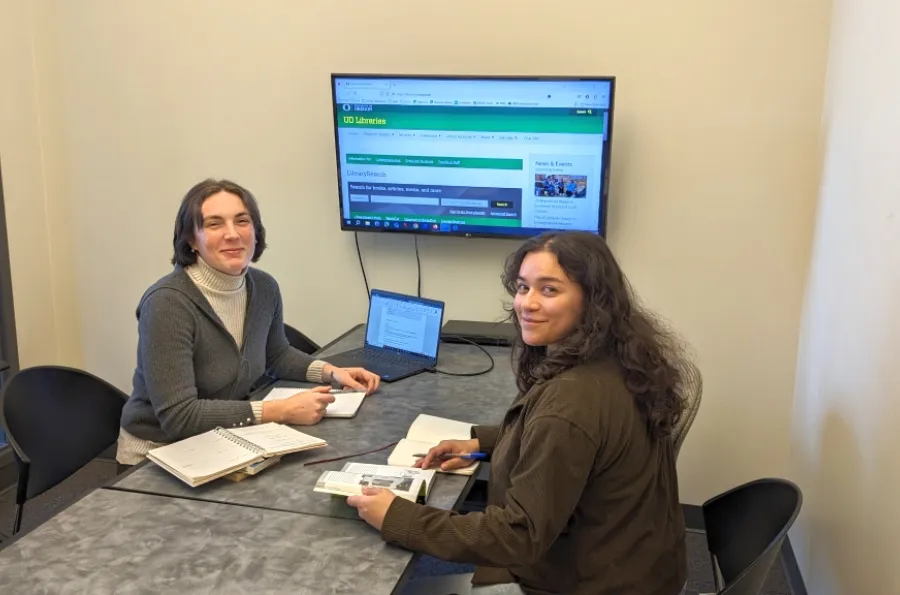
Two students in a study room with the library website up on the TV that is connected to a laptop
Booking Study Rooms and Library Spaces
Find out how to reserve study rooms and other library spaces. Microlearning tutorial, approximately 5 minutes. 

Library Research Fundamentals

These more comprehensive tutorials provide an overview of the research process, can be completed individually or as a series, and each take approximately 20 minutes to complete. All of the Introduction to Library Research modules by UO Libraries are licensed by CC BY-NC-SA 4.0.

If you are an instructor and are interested in using these modules in your course, you may embed links directly in Canvas, send your students to this page, or ask them to use the Introduction to Library Research guide which may appear when students select the link to "Library Research Help" in Canvas. If you are interested in exploring ways to incorporate the modules into your course, please contact Chloe Barnett, Undergraduate Engagement and Student Success Librarian

Question mark drawn with white chalk on a chalkboard.
Developing a Research Question
Learn how to formulate and refine a research question that is effective and appropriate in scope. Interactive module, approximately 15 minutes.
Black and white books.
Understanding Information Sources
Learn about the differences between information formats and common ways in which we often categorize sources. Interactive module, approximately 15 minutes.
Three college students studying on a campus green.
Finding Sources
Find out which search tools and resources are appropriate for your research needs and how to use them effectively. Interactive module, approximately 20 minutes.

Black and white binoculars placed on top of printed pages from a book.
Evaluating Sources
Learn strategies to determine if information that you find online is credible and relevant to the research at hand. Interactive module, approximately 20 minutes.
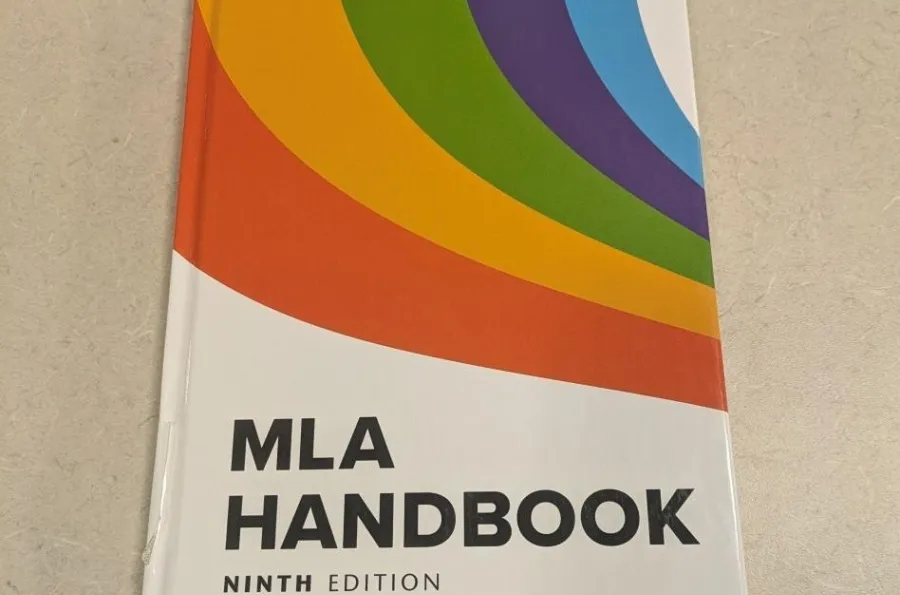
Cover of MLA Handbook
Citing Sources in MLA Style
Learn why it is important to cite your sources and how to format your citations in MLA Style. Interactive module, approximately 10 minutes.
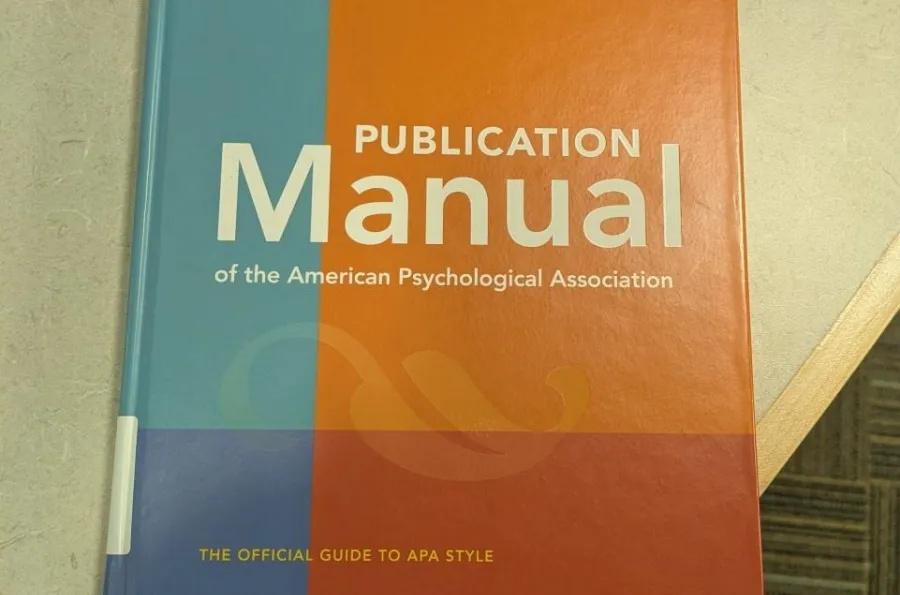
Cover of the Publication Manual of the American Psychological Association
Citing Sources in APA Style
Learn why it is important to cite your sources and how to format your citations in APA Style. Interactive module, approximately 10 minutes.

Specific Research and Academic Skills

These modules cover topics like reading scholarly articles, developing an information search strategy, managing citations using Zotero, maintaining academic integrity, and critical AI literacy skills. 

Students working on laptops in the library.
How Do I Create A Search Strategy?
Learn how to effectively search for sources in library databases. Interactive module, approximately 15 minutes.
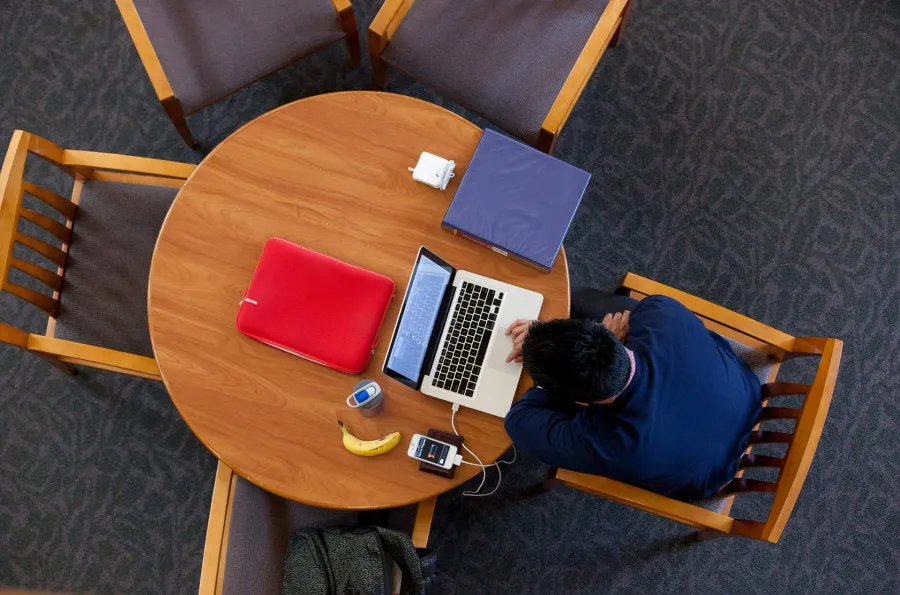
Bird's eye view of student working on a laptop.
Advanced Searching
Learn to use advanced search techniques in library databases. Interactive module, approximately 15 minutes.
Student browsing books in the library stacks.
What Types of Sources Do I Need?
Learn the difference between primary and secondary sources and between popular and scholarly sources. Interactive module, approximately 15 minutes.

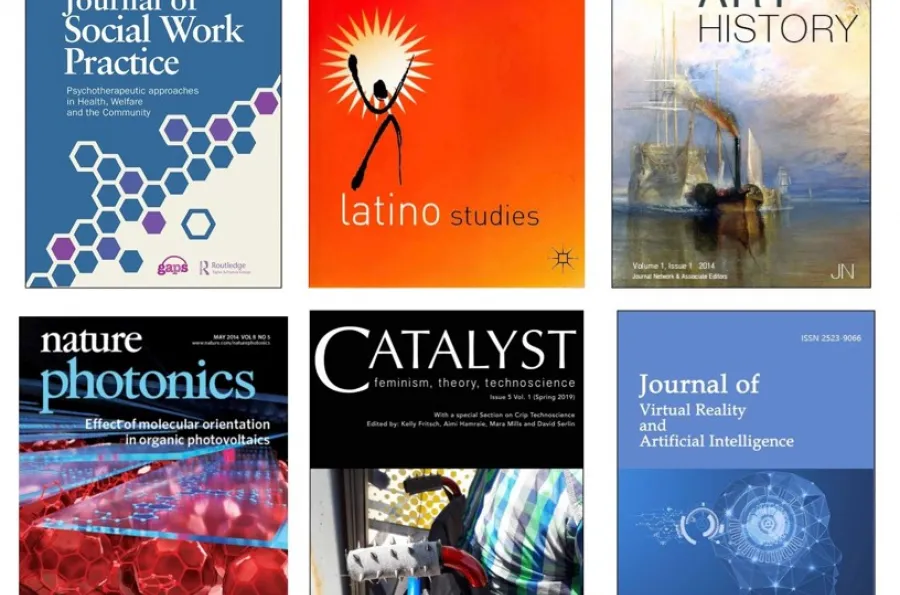
Cover images of six academic journals.
What are Popular and Scholarly Sources
Identify common traits of scholarly sources and spot the key differences between scholarly and popular sources. Interactive module, approximately 10 minutes.
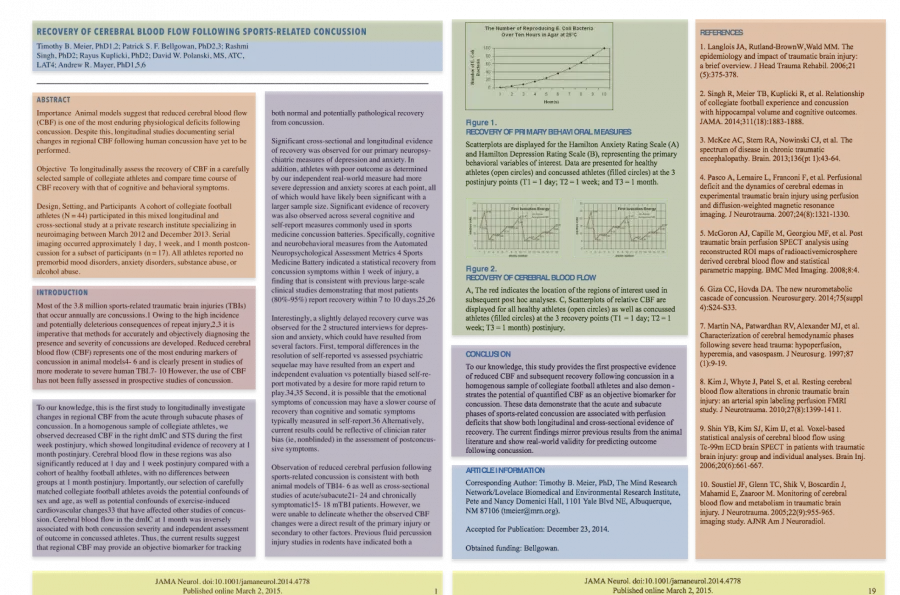
Sections of a scholarly article highlighted in different colors.
Anatomy of a Scholarly Article
Learn about the structure of scholarly articles so that you can read them efficiently and effectively. Interactive module, approximately 10 minutes.
Student working on a laptop.
How Do I Evaluate a Website?
Practice strategies for evaluating content on the web. Interactive module, approximately 15 minutes.

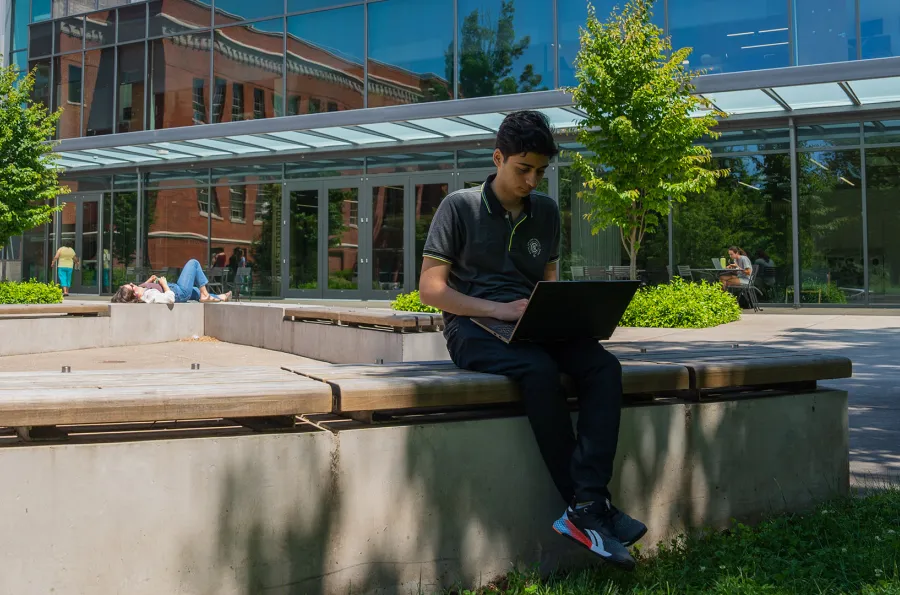
a person sitting on a cement wall outside looking at a laptop
Introduction to Zotero
Zotero is a free online tool you can use to manage references, annotate articles, and create citations. Interactive Module, approximately 10 minutes.
The Duck in front of Knight Library
Ducks Have Integrity: Academic Conduct at UO
Learn what it means to have academic integrity and about policies surrounding academic misconduct at UO. Interactive module, approximately 25 minutes.
Icon representing an AI Neural Network with an AI prompt field below it.
Understanding Generative AI
Take a close and critical look at Generative AI so that you can use it responsibly in academic, professional, and personal contexts. Interactive module, approximately 20 minutes.

Question marks in chalk on a chalk board.

Not Finding what you Need Here? Visit Our How-To Guides!

The following how-to guides are useful for finding quick answers about how to use library tools and resources: 

  • Citation and Plagarism
  • LibrarySearch Help
  • Requesting at UO Libraries
  • Using Google Scholar & UO Libraries' Resources
  • Find Free & Affordable Textbooks & Course Materials
  • Finding Video and Films
  • New York Times Online

These are just a few of the guide we have available! Take a look at all of the Libraries' how-to guides