
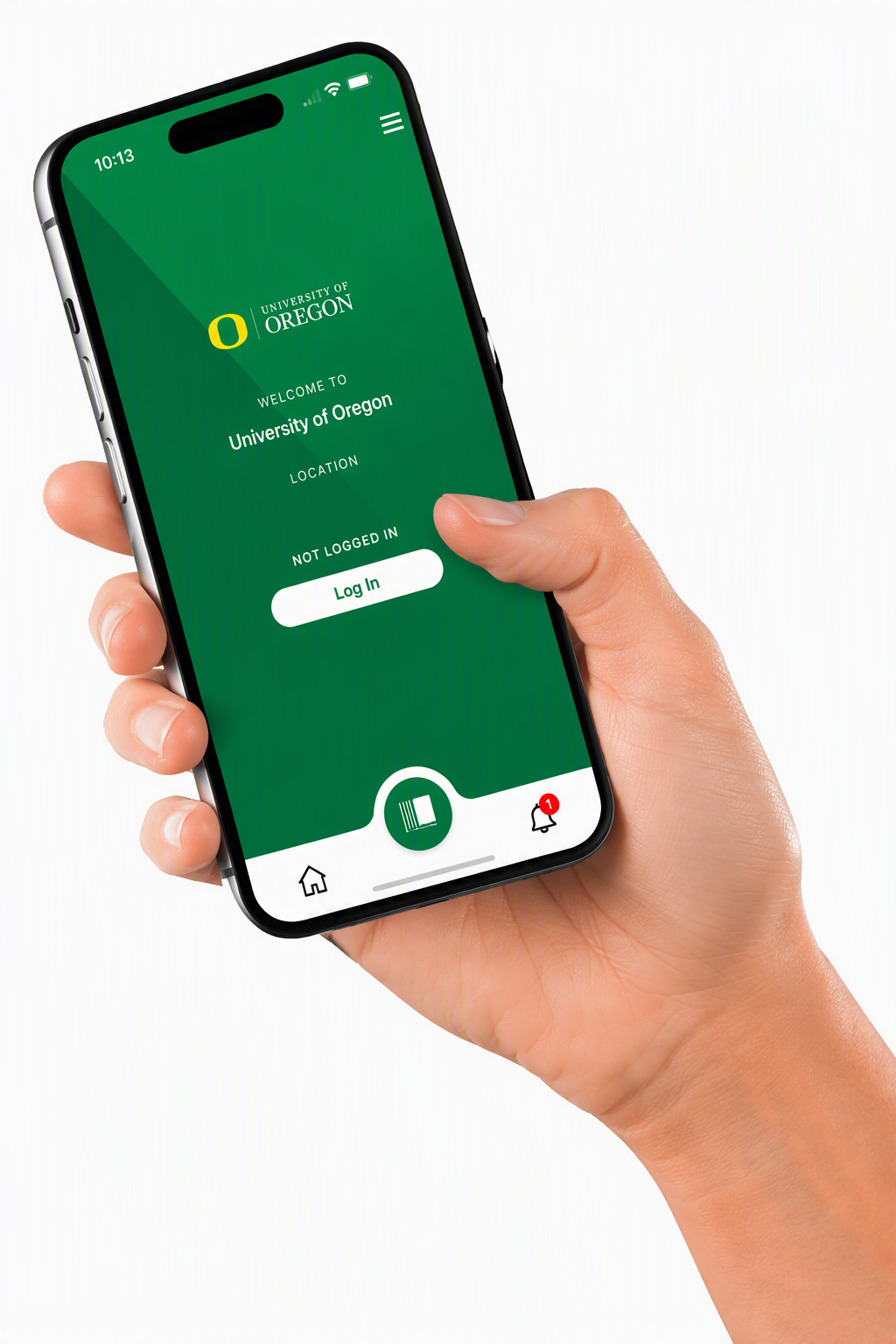
Self-Checkout Mobile App
- Log in to your library account.
- Scan your item's barcode.
- Tap Finish - you're done!
Download the app:
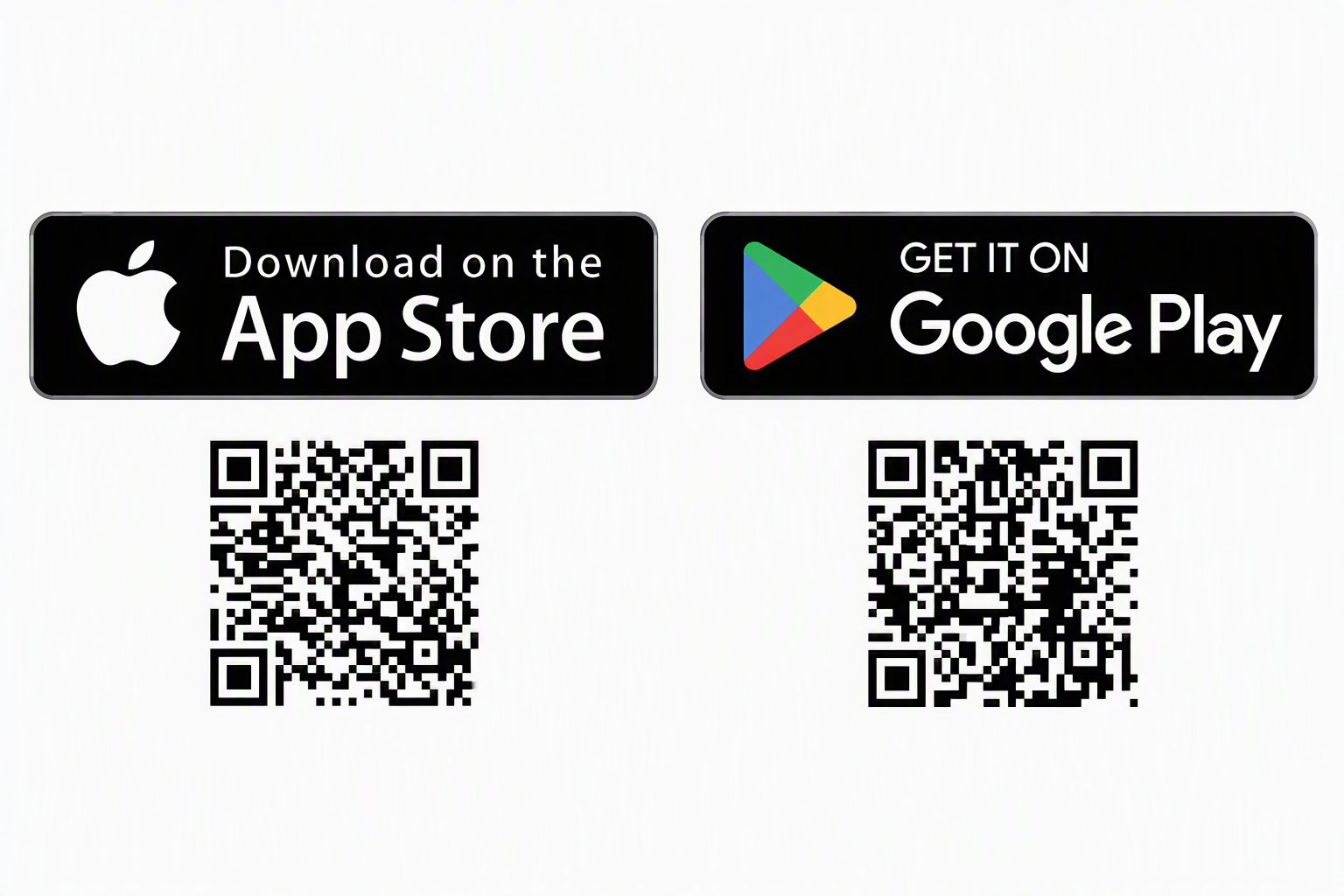
*Links to App Store
*Links to Google Play
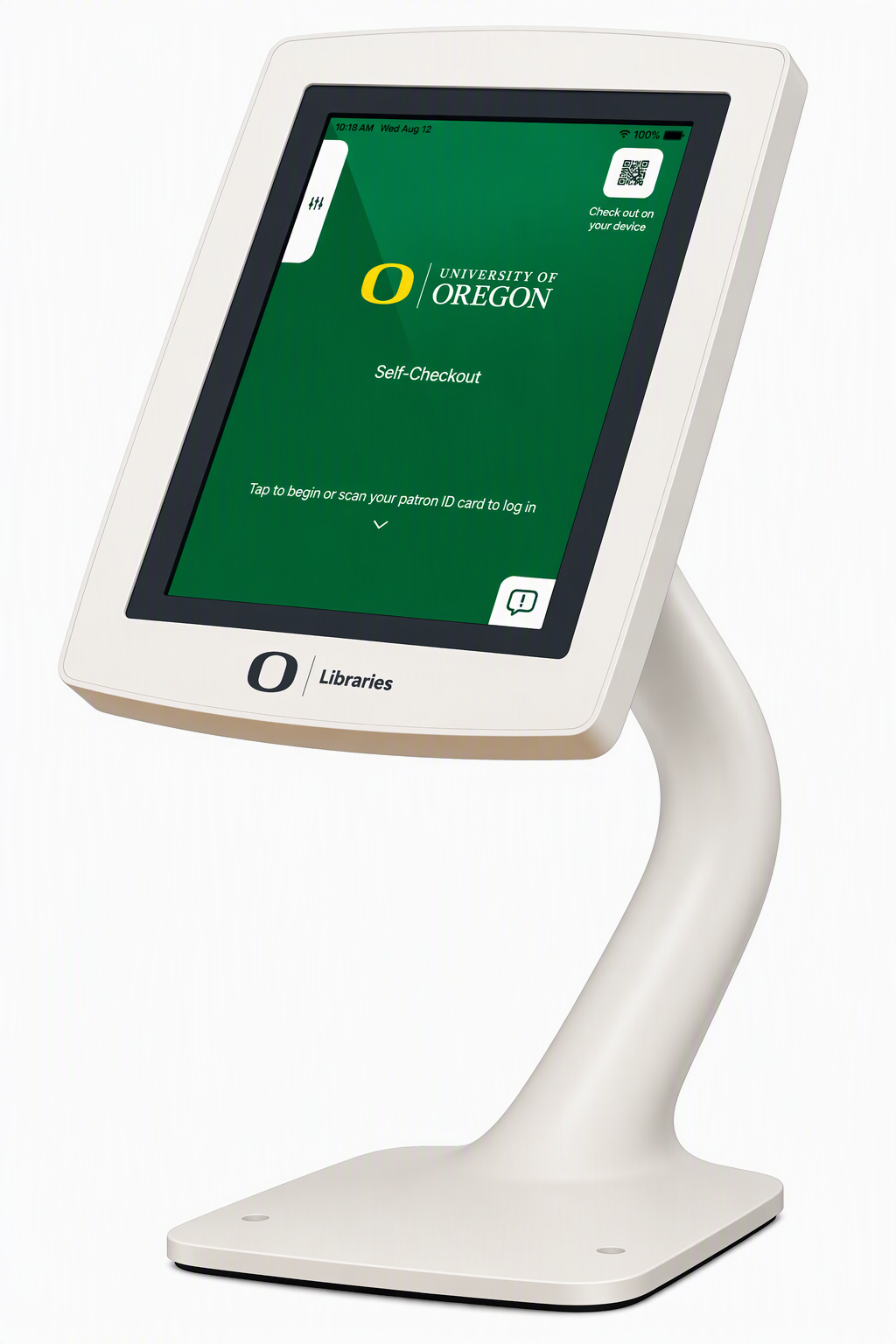
Self-Checkout Kiosks
(Available at Knight Library only.)
- Log in to your library account.
- Scan your item's barcode.
- Tap Finish - you're done!
Visit the Checkout & Reserves Desk in the Knight Library lobby if you need assistance.